From download to your first workout in just a few minutes.
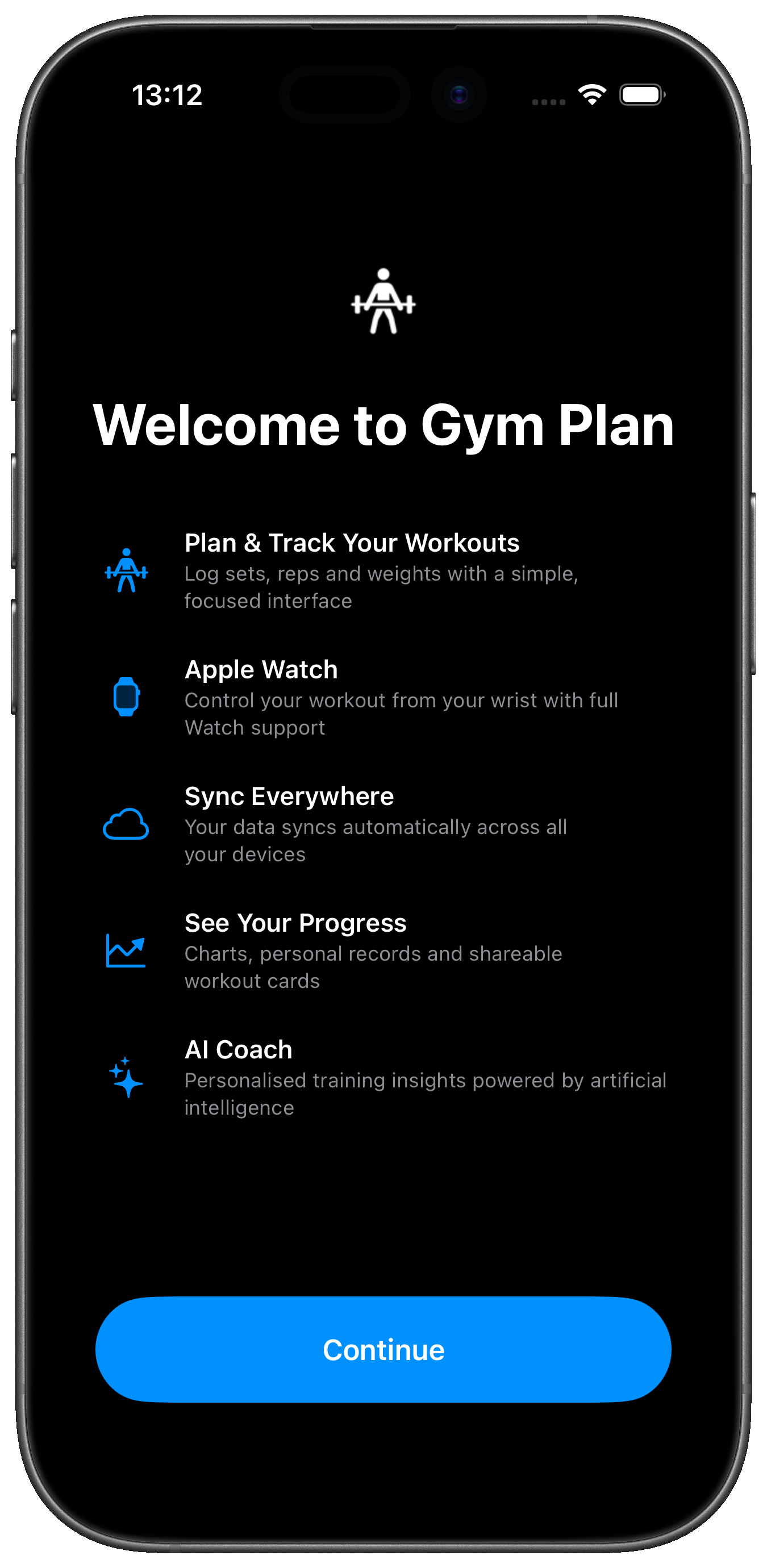
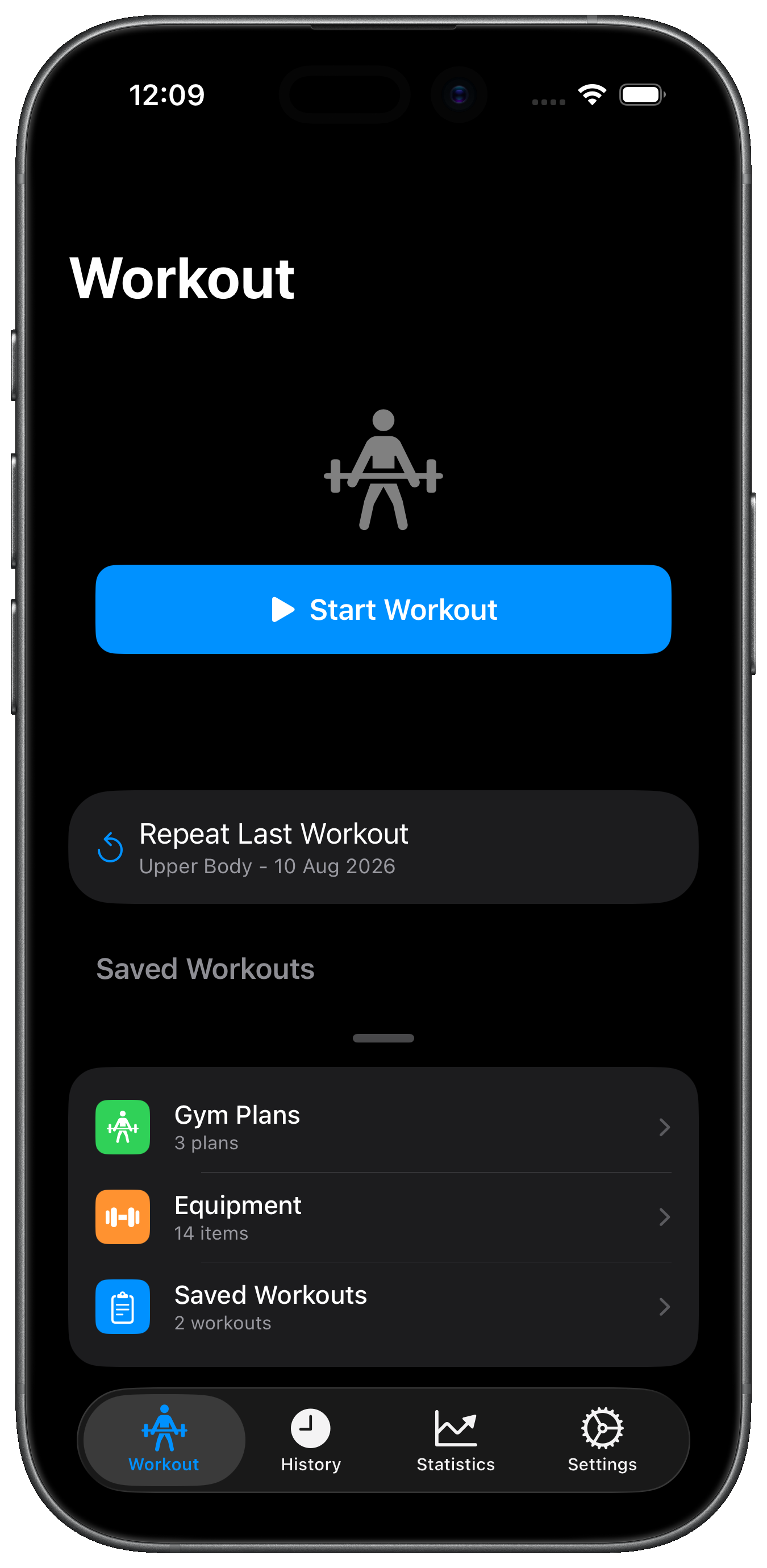
Download Gym Plan free from the App Store. The welcome screen gives you a quick overview of what the app can do — then tap Continue.
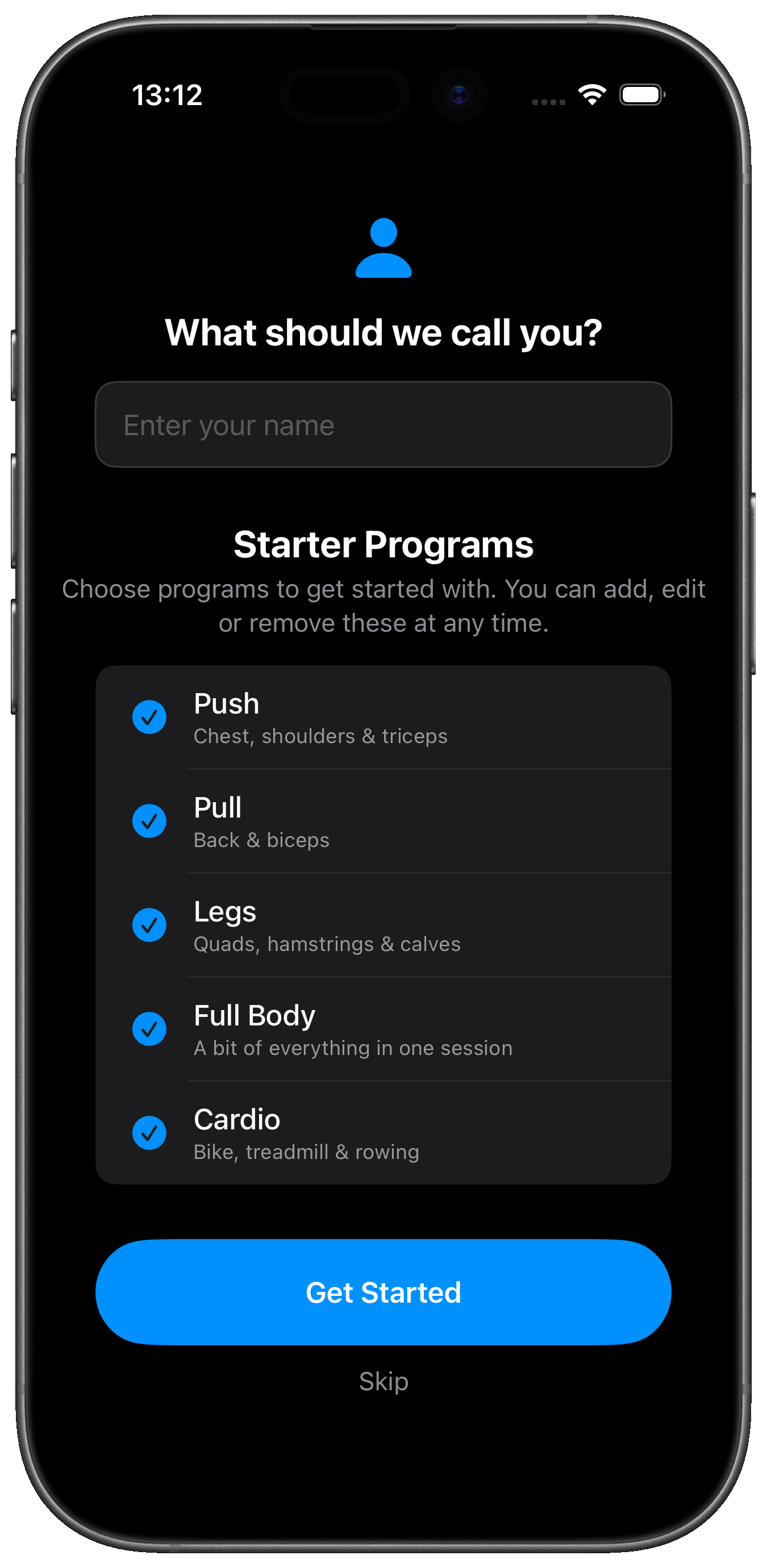
Next, enter your name and choose your Starter Programs. A program is a collection of exercises — for example, "Push" contains chest, shoulder and tricep exercises. Select the ones that match your training style, uncheck any you don't want, or tap Skip to start from scratch. You can always add, edit, or remove programs later.
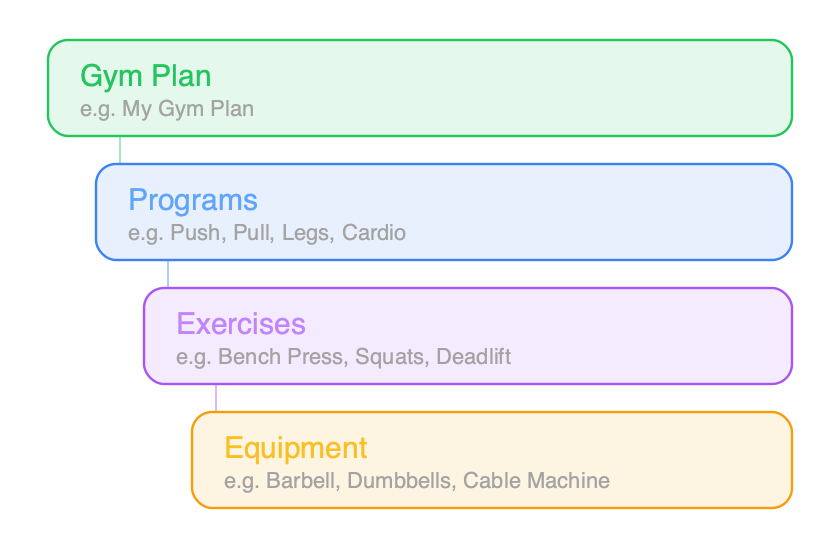
Gym Plan organises your training into a simple hierarchy:
If you chose starter programs in Step 1, you're already set up and can skip ahead to Step 3. You can always customise your programs later — rename them, add or remove exercises, and adjust the default sets and reps. On the Workout tab, swipe up on the handle at the bottom of the screen and tap Gym Plans to make changes.
If you started from scratch, tap Start Workout on the Workout tab. The app will guide you to create your first program and add exercises. For each exercise, set the number of sets, reps, and optionally link it to equipment at your gym.
You can also photograph your gym equipment by swiping up on the handle at the bottom of the Workout tab and tapping Equipment — handy for remembering which machine to use.
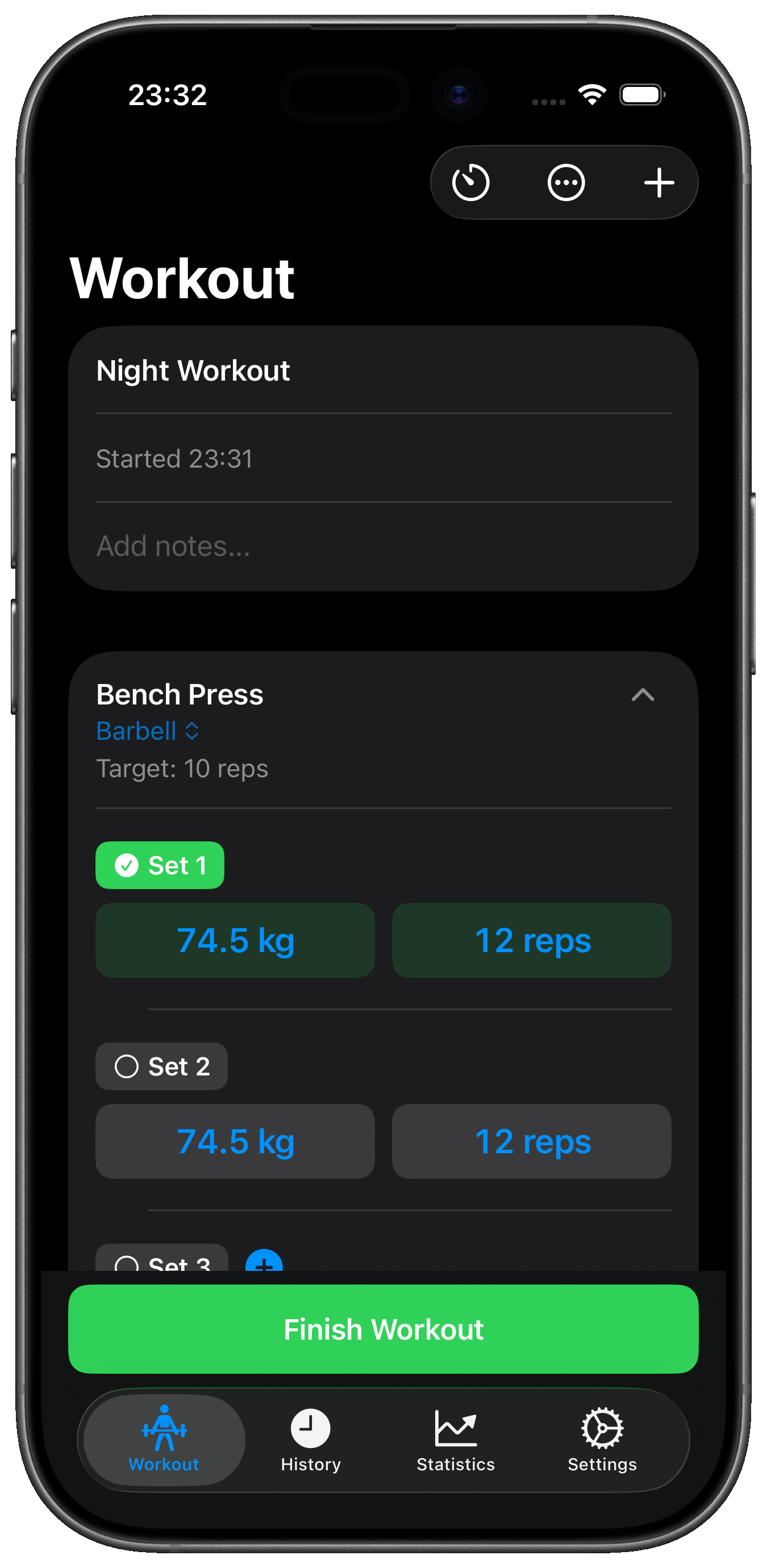
Head to the Workout tab and tap Start Workout. Choose which program(s) to include, select your exercises, and hit Start. Your session is now live — the app loads your previous weights and reps automatically.
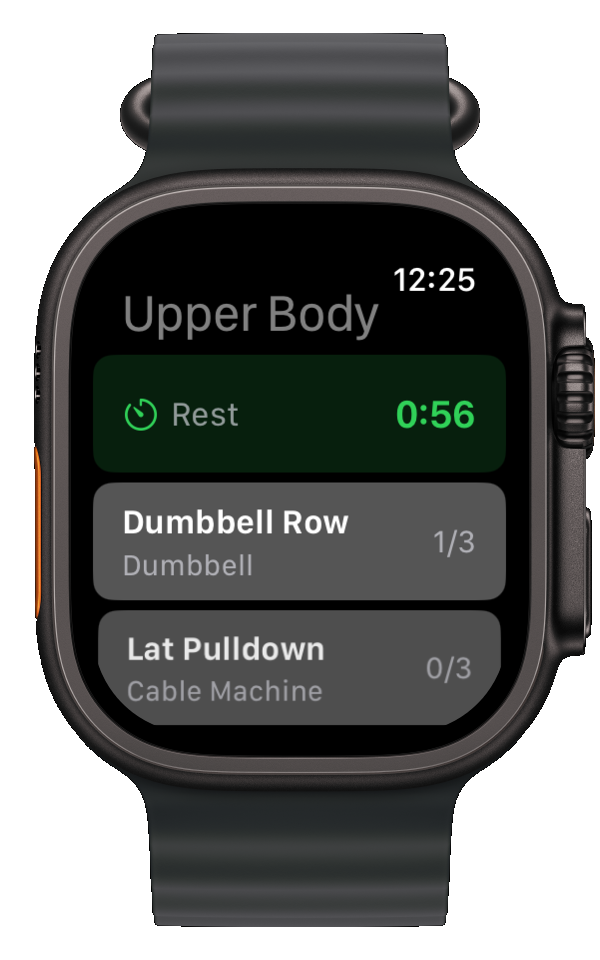
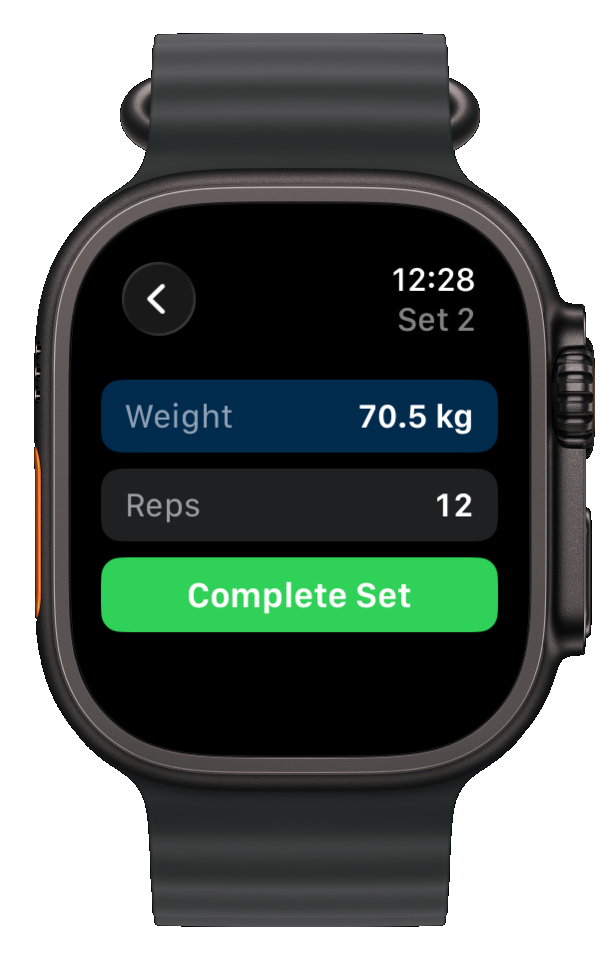
Tap each set to mark it complete, or adjust the weight and reps before completing. If you've enabled the rest timer in Settings, it starts automatically between sets. You can also log from your Apple Watch.
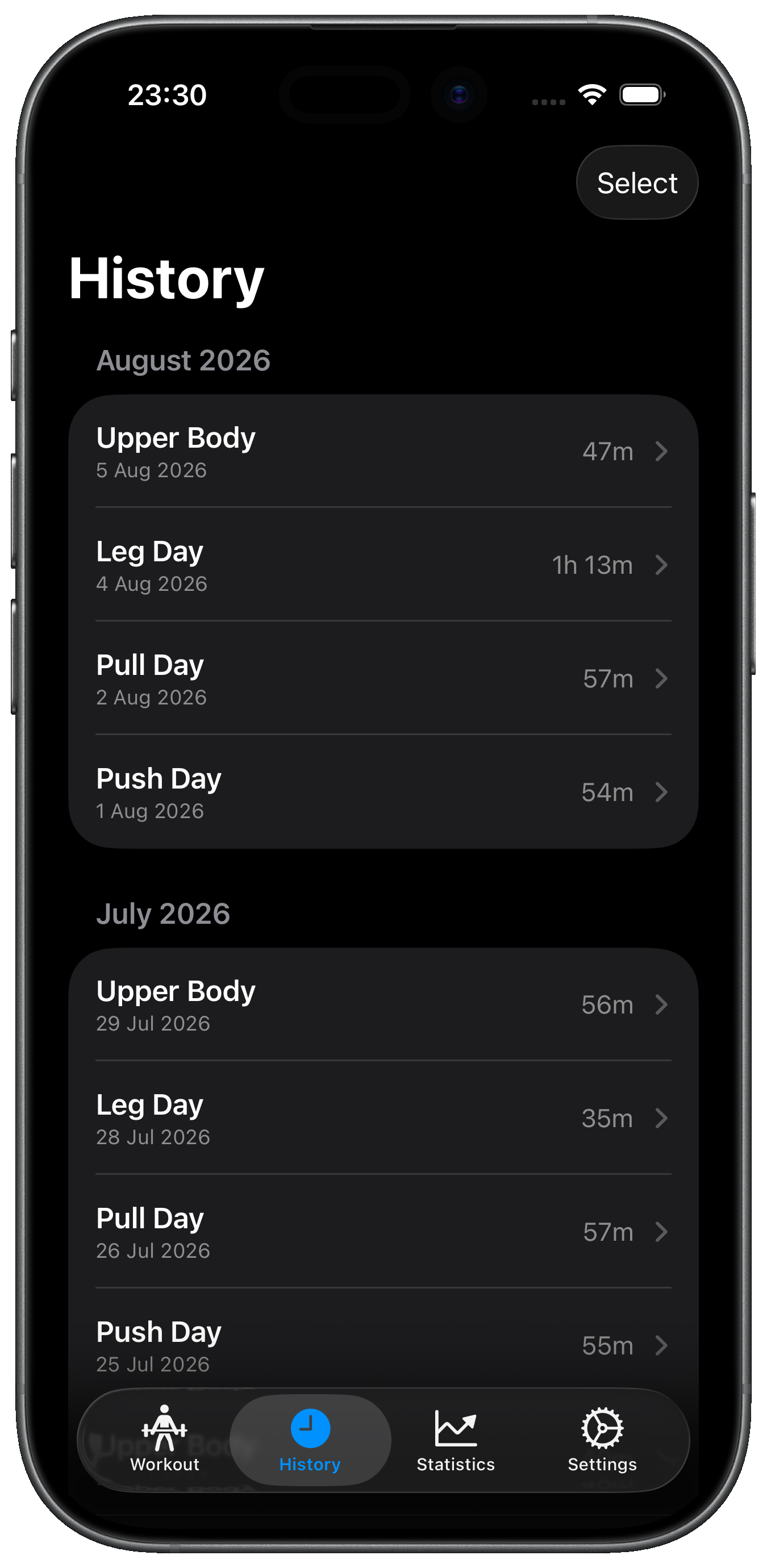
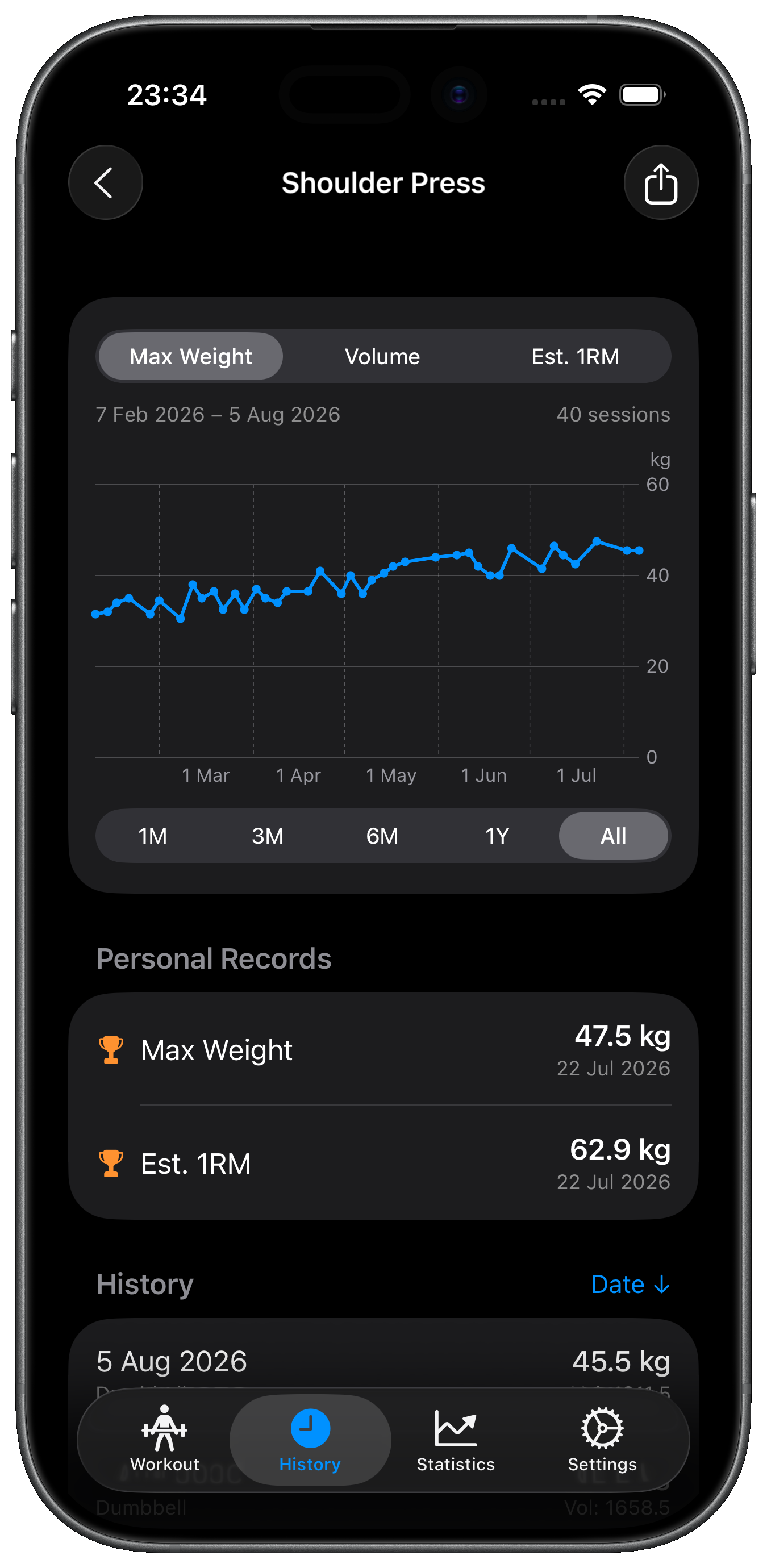
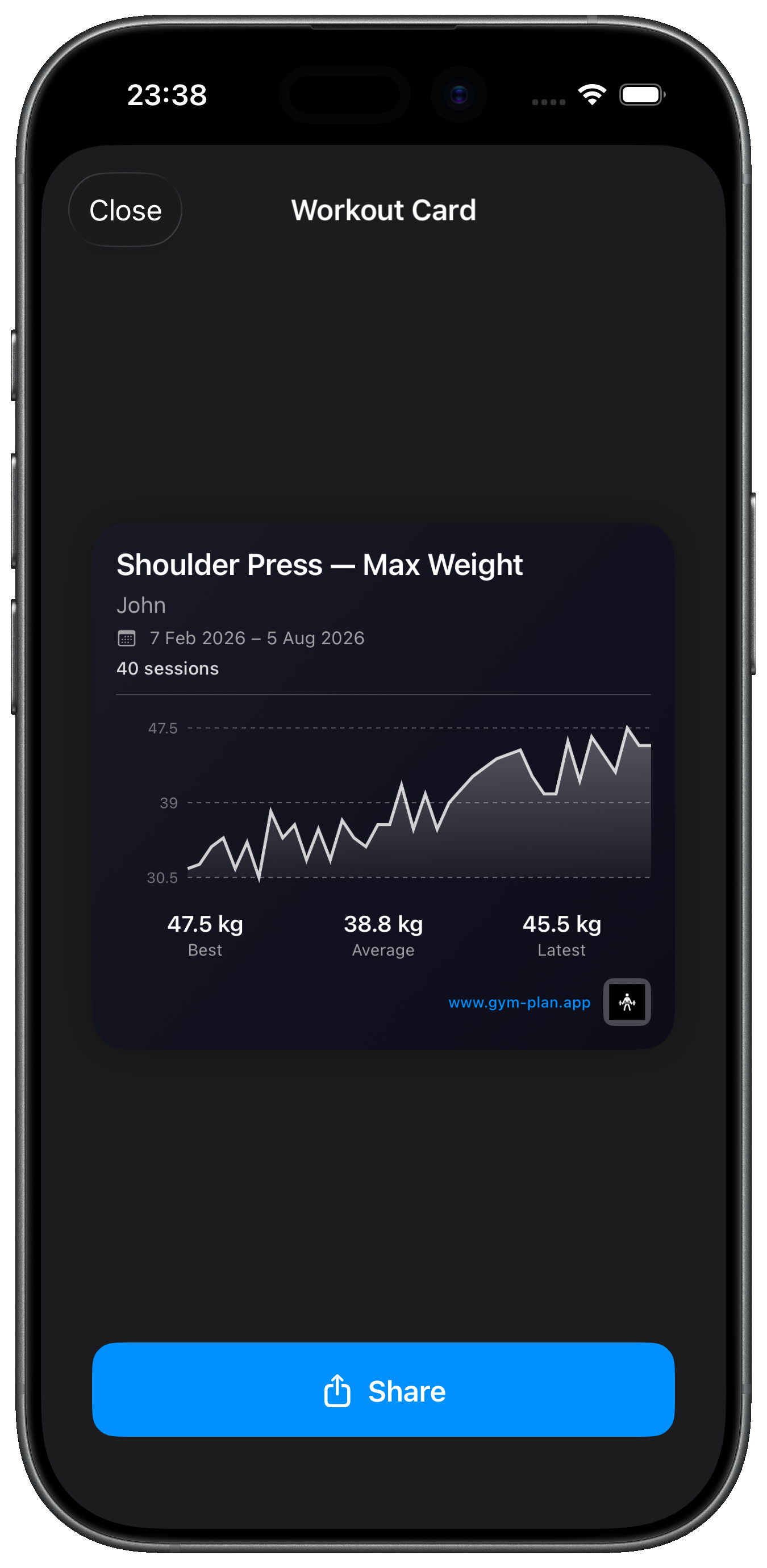
When you're done, tap Finish Workout. Your session is saved to the History tab where you can review all your past workouts. Tap any exercise to see your progress charts, personal records, and trends over time. You can also create and share Workout Cards — shareable images of your progress.
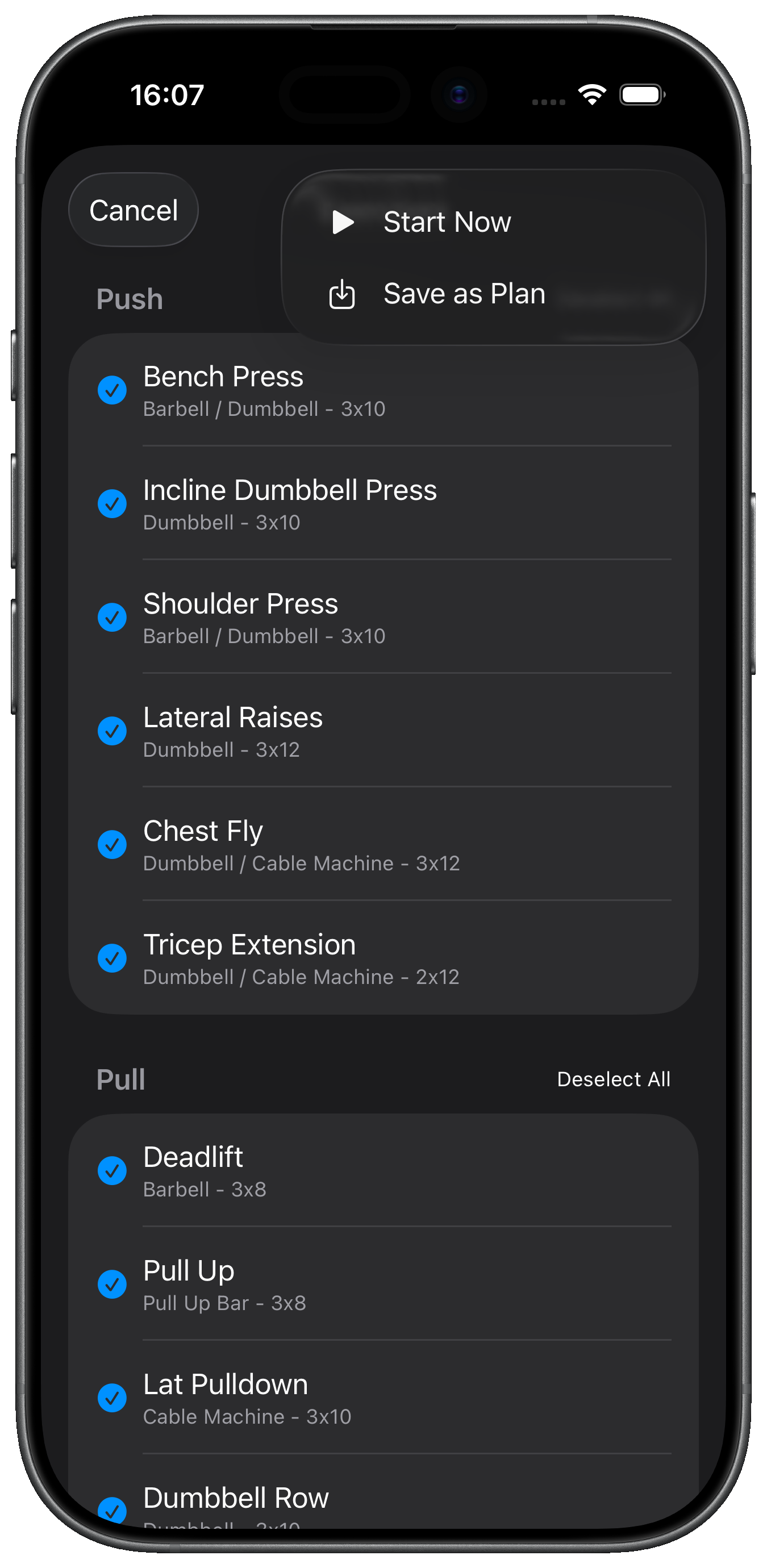
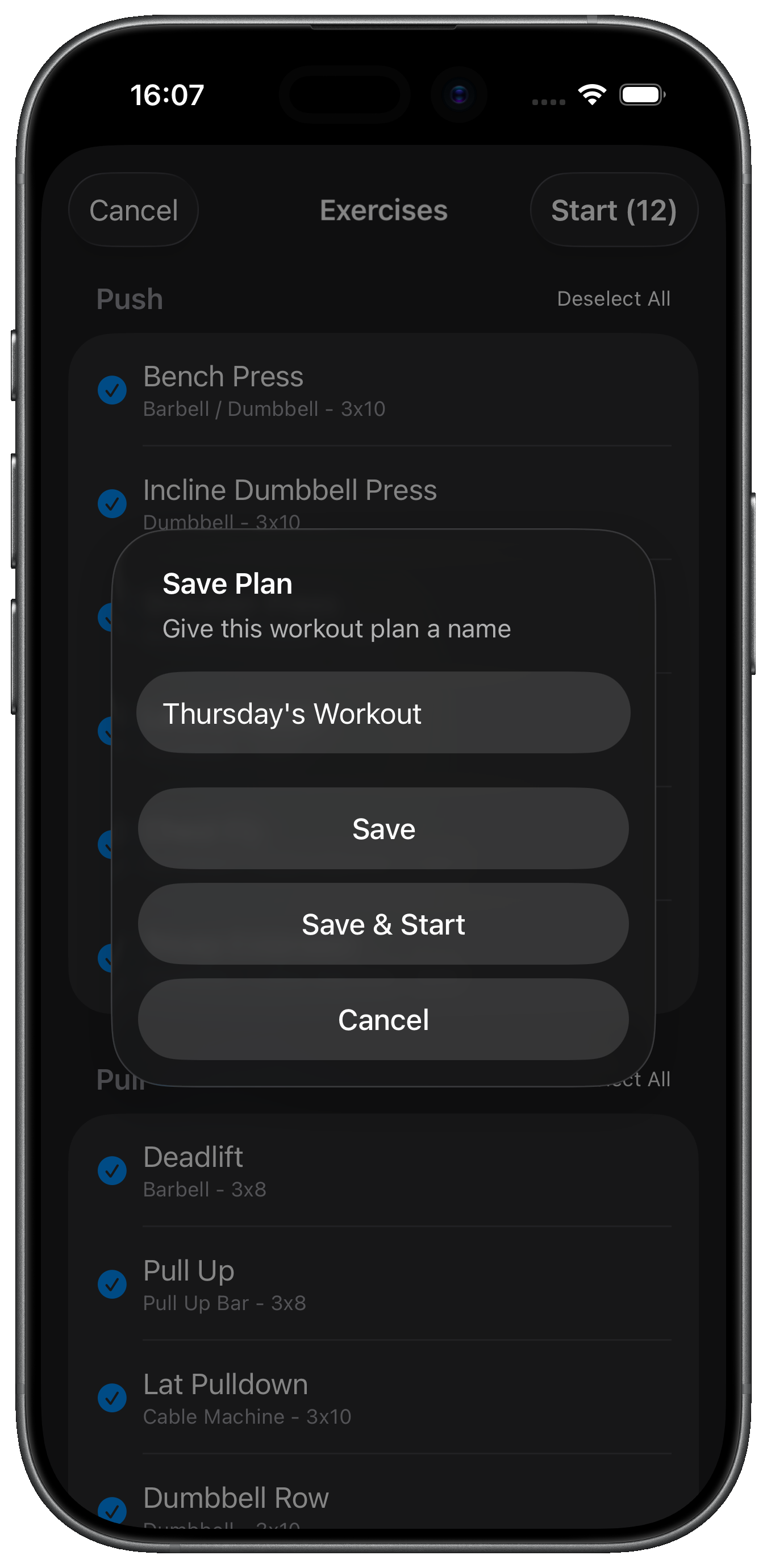
Workout Plans let you save a selection of exercises so you can start them again with a single tap. Useful for planning different workouts for different days, repeating a favourite session, or preparing your workout before you get to the gym. When selecting exercises, tap Save as Plan, give it a name, and it appears on the Workout tab ready to go.
Tap "Repeat Last Workout" on the Workout tab to instantly start a session with the same exercises as your most recent workout.
Take photos of machines at your gym. During workouts, you'll see the photo so you never forget which machine to use.
Try logging your sets directly from your Apple Watch — no need to pick up your phone between sets.
Gym Plan is available now on the App Store.